Learn how to use metallic paint to create a shimmering, grungy textured background for your next mixed-media paper craft!
This week’s tutorial features a metallic paint technique that creates a beautifully grungy, textured background. The earthy colors give the background its grungy appearance, while the technique adds layers of unique texture.
The free printable will be available next week so stay tuned by signing up for our mailing list.
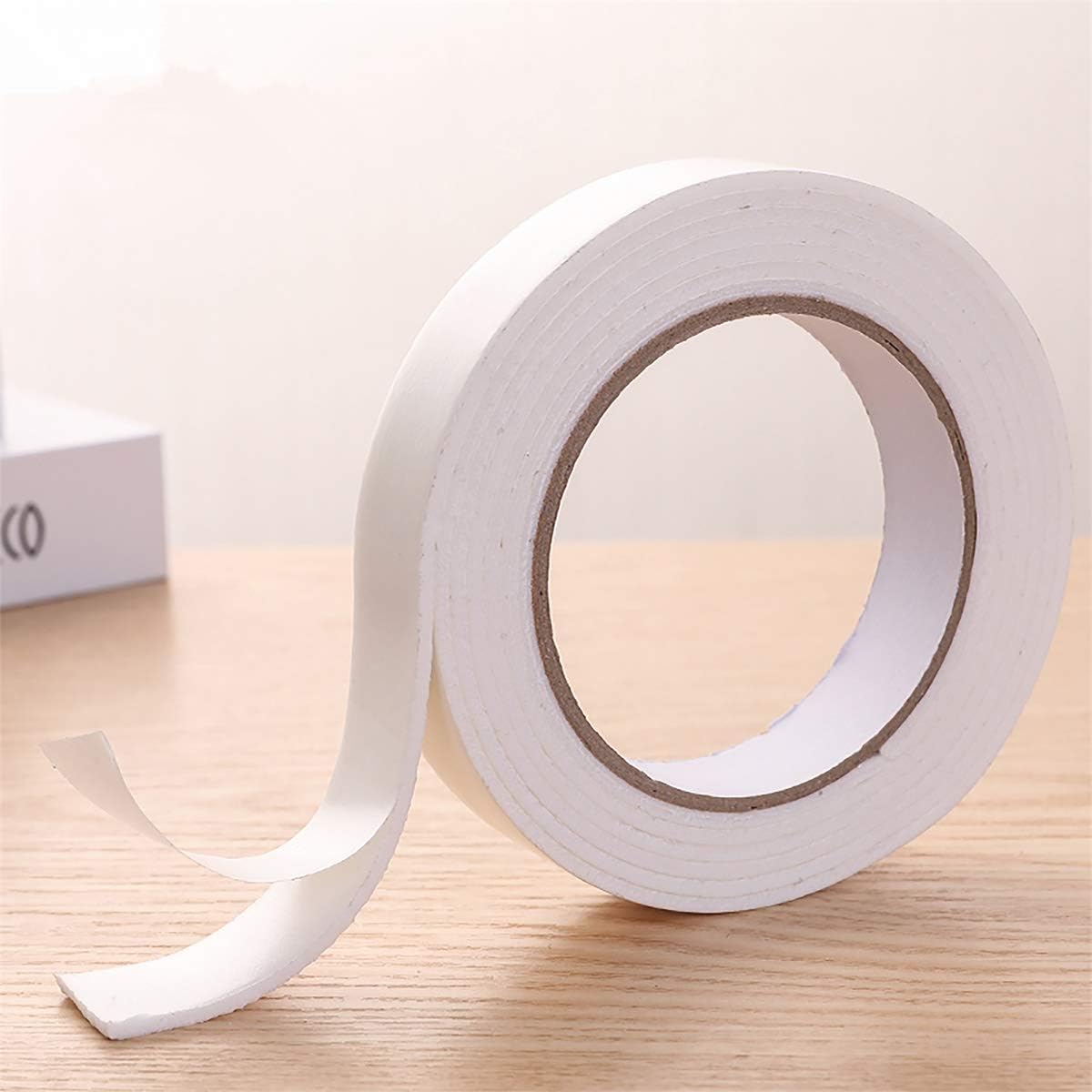
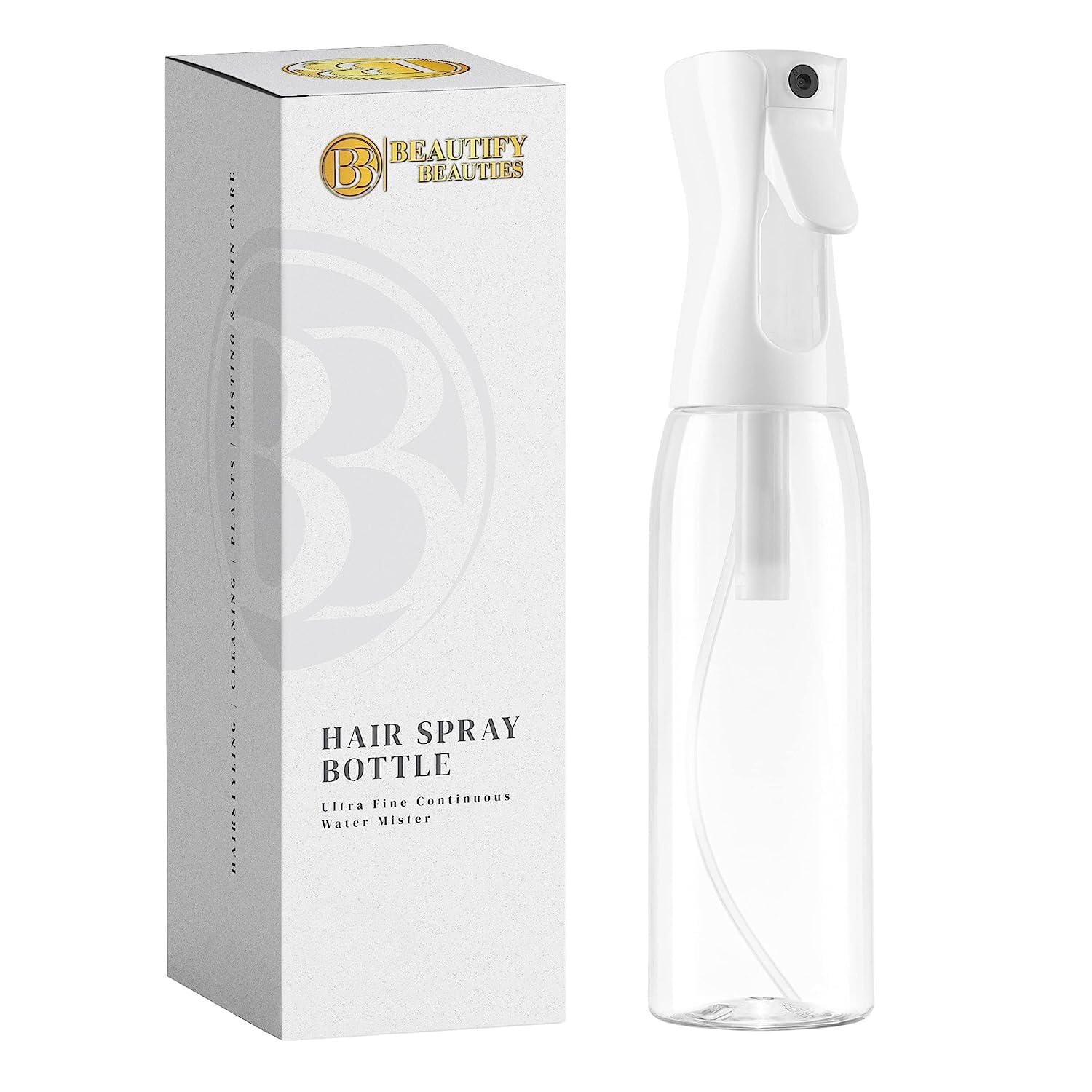
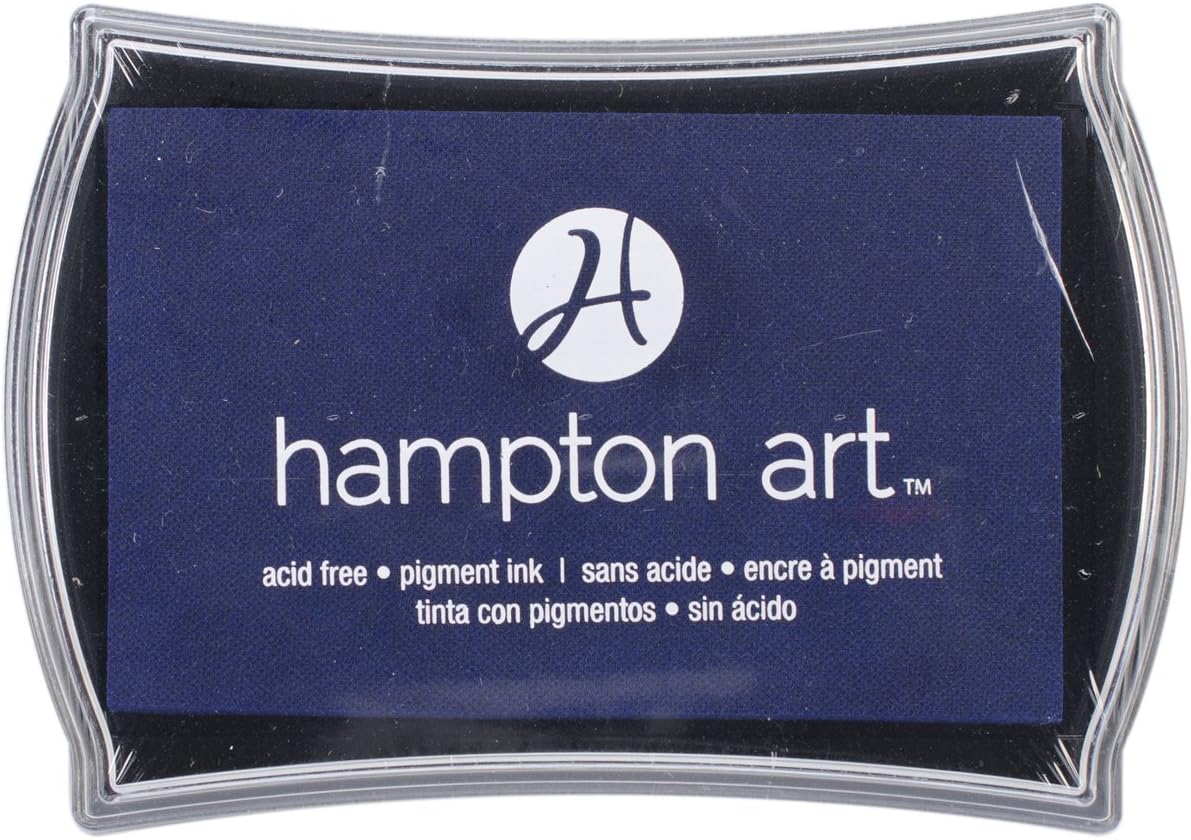
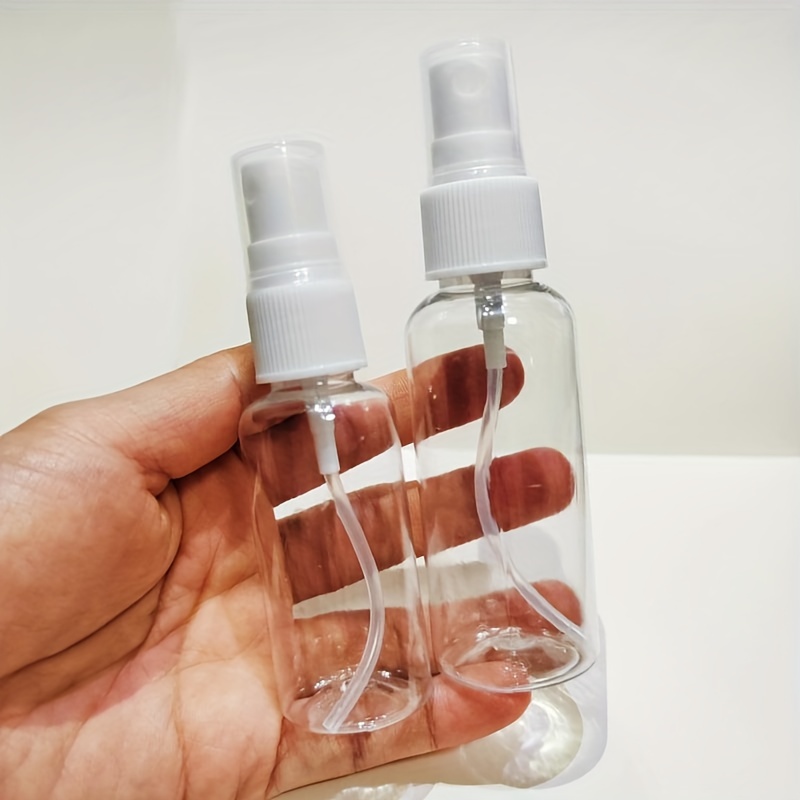
Suggested Materials:
Links are Affiliates AZ – Amazon, SSS – Simon Says Stamps, SB – Scrapbook, O – Other
The paint was found at a discount store. I was unable to located a company that carries it. You can search online and find it listed on sites like eBay, or look at your local discounters.
In the image above, you can see the shimmer of the metallic paint contrasted with the duller areas, which have a wonderful tactile texture.
Fall and Thanksgiving themed free printable blog hop.
I’m excited to be participating in a Fall and Thanksgiving Blog Hop and sharing a free printable sheet of seasonal ephemera with you! These images are perfect for adding a festive autumn touch to your paper crafting projects, including handmade cards, tags, journals, scrapbook pages, and mixed media creations.
You can cut out the individual images and layer them into your projects, or keep the printable intact and use the full design as the front of a card. However you choose to use it, I hope this free printable inspires a little fall creativity and becomes a fun addition to your seasonal crafting stash.
Link at the bottom of the page!
My go-to printer brand for years has been HP. I also use their ink supply service where I pay a monthly fee and they send me ink cartridges as needed. It comes out to be a lot less money this way and I don’t have to keep track because they do all the tracking for me. The HP Envy Inspire is a great-priced machine that will produce beautiful prints.
If you are looking for a great crafting-weight paper for printables, I have a new favorite. It is double sided matte photo paper by Koala. It is heavier than copier paper but not quite as heavy as cardstock. It is a great medium weight for layering, folding, and more! They have different weights, I have been using the 48lb double sided photo paper for printables. It is available on Amazon.
It’s the season to craft for spooky and scary or just Halloween fun with this week’s free page of clip art images.
This week’s free printable features a collection of Halloween clip art images that are perfect for junk journals, scrapbook pages, handmade cards, travel journals, tags, and mixed-media projects.
Grab the free printable at the bottom of the page.
My go-to printer brand for years has been HP. I also use their ink supply service where I pay a monthly fee and they send me ink cartridges as needed. It comes out to be a lot less money this way and I don’t have to keep track because they do all the tracking for me. The HP Envy Inspire is a great-priced machine that will produce beautiful prints.
If you are looking for a great crafting-weight paper for printables, I have a new favorite. It is double sided matte photo paper by Koala. It is heavier than copier paper but not quite as heavy as cardstock. It is a great medium weight for layering, folding, and more! They have different weights, I have been using the 48lb double sided photo paper for printables. It is available on Amazon.
Which sticker machine is worth the money and craft-room space? See how the Liene PixCut and Cricut StickerPix machines compare!
Cricut just released two new sticker printers. One that cuts precut designs and the other that cuts custom sizes. I personally would prefer the custom size option which makes me think the smaller precut shape machine will be short lived.
I watched a review on the Cricut sticker machines by Jennifer Maker and her review was quite detailed. She is also offering a giveaway of each machine that you might want to check out.
These new machines seem to be comparable to the Liene PixCut. Even the name is similar.
The Liene cut machine began on Kickstarter on September 26, 2024. It is available on Amazon.
Comparison:
Feature
Liene PixCut S1
Cricut StickerPix Print + Cut
Cricut StickerPix Print
Current starting price
$279.99
$299
$169
Prints stickers
Yes
Yes
Yes
Cuts around custom designs
Yes
Yes
No
Sticker type
Custom kiss-cut
Custom kiss-cut
Pre-cut circles, squares, rectangles or full sheet
Printing method
Dye-sublimation
Dye-sublimation
Dye-sublimation
Protective laminate
Applied automatically
Applied automatically
Applied automatically
Resolution
300 DPI
300 DPI
300 DPI
Sticker-sheet size
4 × 7 inches
4 × 7 inches
4 × 6 inches
Photo size
4 × 6 inches
4 × 6 inches
4 × 6 inches
Prints per cartridge
36
36
54
Software
Liene Photo app
Cricut Design Space
Cricut Design Space
Connectivity
Bluetooth 5.0
Bluetooth
2.4 GHz Wi-Fi
Computer use
Liene’s information is inconsistent; its technical page lists iOS/Android
Mac, Windows, iOS and Android
Mac, Windows, iOS and Android
Size and weight
11.1 × 7.7 × 4.1 inches; 6.4 lb
11.3 × 8 × 4.1 inches; 6.6 lb
7.8 × 5 × 3.5 inches; 2.3 lb
Best for
Independent app and slightly lower price
Cricut users wanting custom stickers
Simple labels, photos and preset sticker shapes
The two custom-cut machines are nearly identical on paper: both print at 300 DPI, automatically apply a protective coating, use 4 × 7-inch proprietary sticker sheets, produce 36 prints per cartridge and kiss-cut around designs. Neither cuts completely through the sticker backing.
Approximate supply cost
Liene custom sticker sheets: $42.99 for 72 sheets and two cartridges — about 60¢ per sheet.
Cricut Print + Cut sticker sheets: $47.99 for 72 sheets and two cartridges — about 67¢ per sheet.
Cricut StickerPix Print refills: $32.99 for 54 prints — about 61¢ per sheet, but you’re limited to the pre-cut shapes
My Thoughts:
If I were buying a dedicated sticker machine, I would choose the Cricut StickerPix Print + Cut because I’m already familiar with Cricut Design Space. However, I would need to consider how often I actually make stickers—and whether the convenience justifies the price and the space it would occupy in my craft room. I can already make stickers with my Cricut Maker, which also gives me the flexibility to create both kiss-cut and die-cut stickers. What do you think? Would the StickerPix Print + Cut be worth adding to your craft space? Let me know in the comments below!
Do you create? Come share it with Creat-it Link Party.
Last week, Steph Creates Things share a post about Two Simple DIY Autumn Wreaths. Make sure to visit and see which one is your favorite!
Weekly Features are now being shared in the Pinterest Create-it Link Party Board. You can see them all here: [Create-it Link Party on Pinterest]
On to the Party
This is a great opportunity to showcase your latest blog post, recipe, craft tutorial, or any other creative project you’ve been working on! We love seeing the incredible ideas from our community.
To keep things fun and organized, we have a few simple rules to ensure the party runs smoothly. Happy sharing!
Here are a few simple rules:
Link to a specific post, not your homepage.
Link up something YOU made/wrote/created.
Giveaways, other link parties, or business links are not accepted.
Don’t link and run. Try to visit at least one link and show them some love. You may make a new friend.
When alcohol ink didn’t go as planned, I switched gears and created this colorful tag background
I had an idea to use alcohol inks on textured baking parchment paper, but when it didn’t work as planned, I switched gears and applied the inks to cardstock instead. Adding a little rubbing alcohol softened the colors, helped them blend, and filled in the open spaces—creating a beautiful background for this week’s tag.
After creating the tag’s background, I added a coordinating paper scrap and a stamped butterfly. A stamped sentiment was the perfect finishing touch.
If you would like to learn more about how I stamped the butterfly on tissue, here is the tutorial link:
Add a touch of nostalgia to your paper crafts with this charming railroad-themed ephemera!
There is something wonderfully nostalgic about vintage railroads. From old-fashioned train tickets and luggage tags to railway signs and classic locomotives, these images bring to mind exciting journeys and adventures from days gone by.
This week’s free printable features a collection of railroad-themed ephemera designed especially for paper crafting. The vintage colors and aged details make the pieces perfect for junk journals, scrapbook pages, handmade cards, travel journals, tags, and mixed-media projects.
Grab the free printable at the bottom of the page.
My go-to printer brand for years has been HP. I also use their ink supply service where I pay a monthly fee and they send me ink cartridges as needed. It comes out to be a lot less money this way and I don’t have to keep track because they do all the tracking for me. The HP Envy Inspire is a great-priced machine that will produce beautiful prints.
If you are looking for a great crafting-weight paper for printables, I have a new favorite. It is double sided matte photo paper by Koala. It is heavier than copier paper but not quite as heavy as cardstock. It is a great medium weight for layering, folding, and more! They have different weights, I have been using the 48lb double sided photo paper for printables. It is available on Amazon.
Get ready for fall crafting with this free Grateful Heart SVG.
The season of thankfulness and gratitude is just around the corner! Get ready for fall crafting with this free Grateful Heart SVG, perfect for T-shirts, signs, tote bags, mugs, and more.
Not sure what Cricut tools you need or should use? Check out this post – What tools to Buy.
Need to know about the different vinyl products available? You can learn all about it at About Cricut Vinyl.
Need a printable heat setting chart? You can download this one free: [heatguide]
Are you confused about the different colors of mats? This article will clear it all up for you. Which Mat Do I Use?
My fellow SVG creators are joining me in a fun hop featuring Graditude themed SVG files! Each design is free to download and perfect for adding a special touch to your projects. Explore the variety below and get inspired!
Weekly Features are now being shared in the Pinterest Create-it Link Party Board. You can see them all here: [Create-it Link Party on Pinterest]
On to the Party
This is a great opportunity to showcase your latest blog post, recipe, craft tutorial, or any other creative project you’ve been working on! We love seeing the incredible ideas from our community.
To keep things fun and organized, we have a few simple rules to ensure the party runs smoothly. Happy sharing!
Here are a few simple rules:
Link to a specific post, not your homepage.
Link up something YOU made/wrote/created.
Giveaways, other link parties, or business links are not accepted.
Don’t link and run. Try to visit at least one link and show them some love. You may make a new friend.
Create a colorful, one-of-a-kind background using alcohol ink and a simple stencil-lifting technique!
This week’s tag features a fun stencil-lift technique using alcohol ink to create a beautiful patterned background. A few printable elements and a coordinating ribbon complete the design.
The alcohol ink used for this technique comes from an alcohol ink marker. The lifting comes from rubbing alcohol.